
Telematics in driver training: educational use
 Prolog 7 min read
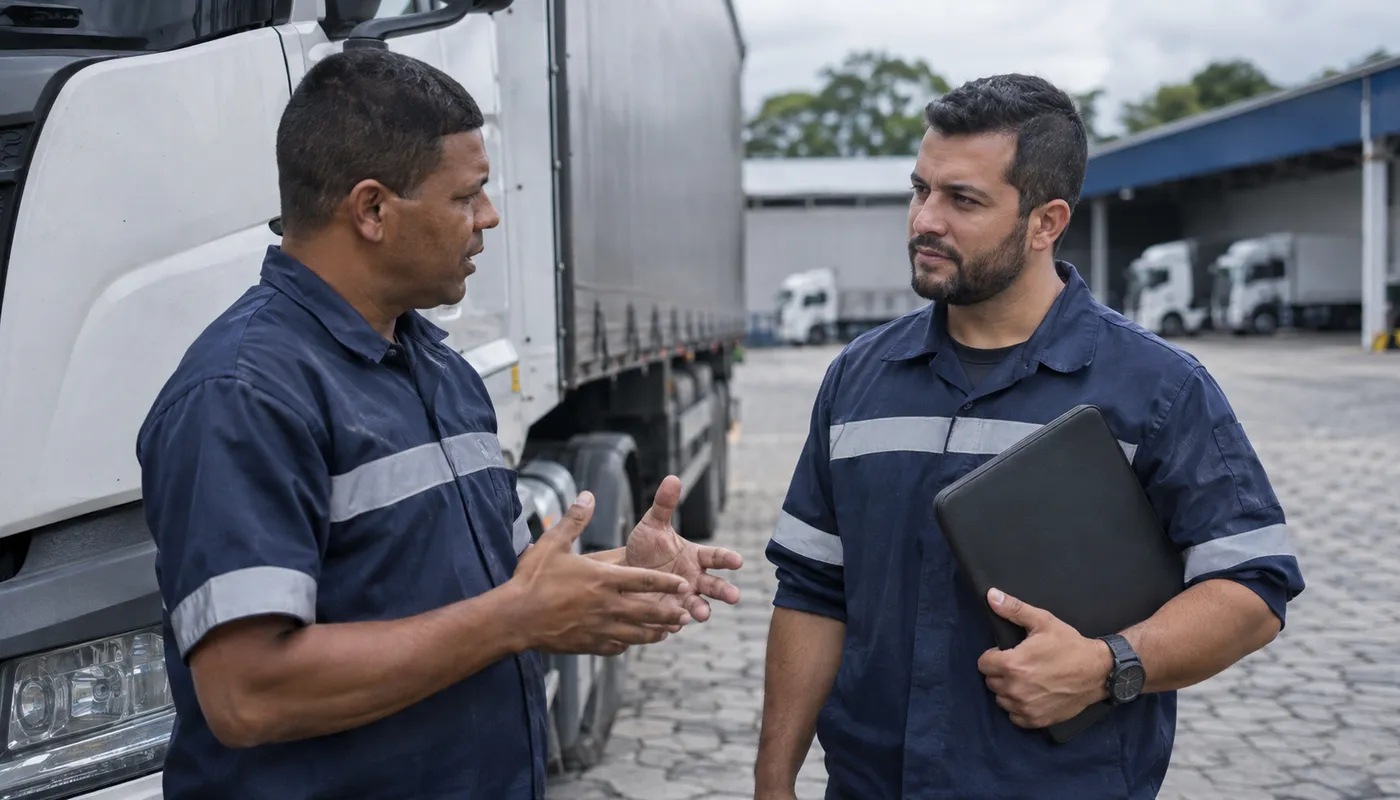
Using telematics in driver training calls for a management choice: treat the record as a starting point for a conversation, rather than a verdict on whoever was behind the wheel. For those organizing fleet training, the proposal is to agree on the purpose, analysis criteria and room for the driver to explain the situation before defining an educational action.
Geotab's guidance for camera programs is that drivers should receive accurate, useful feedback and that video should be used to support them as much as to assess them. That is the scope of this conversation guide: organizing a discussion about specific situations, without turning training into public exposure or promising results that the available data does not demonstrate.
How to organize telematics in driver training
Start with the purpose you intend to communicate to the team. One possible proposal is to use records to select learning situations, listen to whoever was driving and agree on what training will address. Present this as an agreement on how the program will be run, rather than a guarantee that any alert reveals a mistake.
In Geotab's guide to camera safety programs, the recommendation is to explain the rules before cameras become part of everyday work. The source also highlights that managers need the same information to apply the program consistently across the fleet.
As a preparation guide, consider recording and discussing the following with those involved:
- What the program's educational objective is and which uses will be discussed separately.
- Which criteria will guide the selection of situations for discussion.
- How drivers will be able to give their account and review their own performance.
- Who will provide feedback and how the follow-up agreement will be recorded.
Avoid humiliating rankings and public comparisons as a training approach. Prefer individual conversations about what was observed and what still needs to be understood. This is a recommendation for running the program, rather than a claim that there is a single rule for every operation.
Check the record and look for the event's context
Before attributing a cause, separate what the record shows from the analyst's interpretation. Geotab makes an important distinction: telematics data can show that something happened, while video helps explain why. This does not mean that every fleet has video available or that an image brings the analysis to a close.
In the example presented by the source, another vehicle may pull in front, and the driver's reaction may have prevented a collision. Therefore, do not turn an isolated occurrence into a conclusion about the professional's overall conduct. Use the situation as a question to investigate and discuss, without prescribing a maneuver based on an incomplete account.
To organize the analysis, consider noting what is actually available, what seems uncertain and which explanations still need to be heard. If there is doubt about the driver's identity or the content of the record, make that doubt explicit. Do not present a hypothesis as though it were a confirmed fact.
A useful question for the meeting is: “What can we observe and what do we still not know about this situation?” If information is missing, it is worth postponing the training conclusion rather than filling the gaps with assumptions.
How to give drivers feedback using telematics data
Organize feedback around a specific situation and leave room for a response. Geotab highlights the possibility of drivers relating the guidance to a specific behavior. In the description of its driver training solution, it states that drivers can review flagged events and respond with notes while managers keep track of progress. This is a capability described by that supplier, rather than a feature of every system.
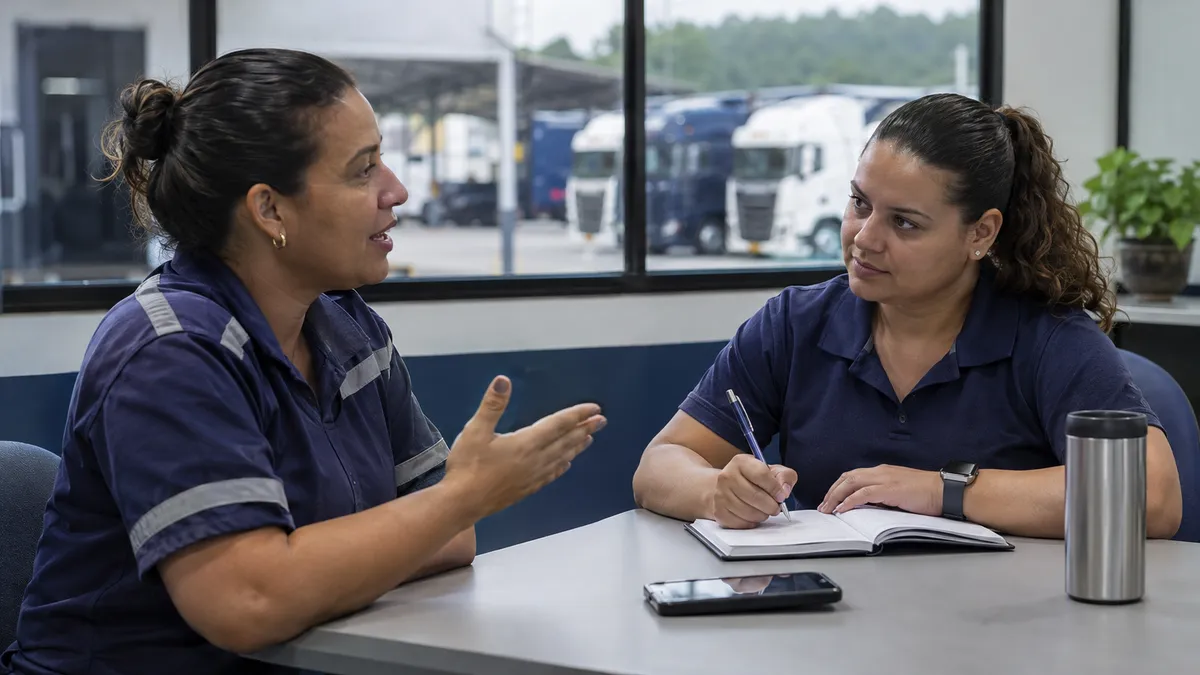
During the conversation, consider this sequence as a facilitation guide:
- Present the available record, distinguishing observation from interpretation.
- Ask how the driver describes the episode and what they consider relevant.
- Record disagreements and points that need verification.
- Choose a learning topic together when there is a basis for doing so.
- Agree on how the conversation will be resumed and who will keep track of the agreement.
Instead of starting with “this alert proves you made a mistake,” try: “This record was selected for discussion; how would you describe what happened?” The example is a suggested way to invite the driver's perspective, rather than a diagnosis of the occurrence.
There is no need to address all training in a single conversation. It is worth limiting the topic and directing technical questions to the person responsible for training, without improvising driving instructions based only on the event presented.
Agree on educational actions and keep track of progress
Geotab states that a coaching program works better when drivers can see their own performance. The source also describes their involvement in the conversation about the trend and what is being measured. Therefore, consider sharing the individual assessment before finalizing the next training agreement.
One proposed record could bring together the situation discussed, the driver's explanation, outstanding questions, the chosen topic and the next meeting. Avoid writing down a conclusion that was not discussed as though it were a consensus. If there is disagreement, record it as such.
To keep track of progress, prefer a comparison that makes its conditions explicit. Consider noting differences in route, vehicle, task or observation period before comparing the records. This is a suggestion for organizing the analysis, rather than a validated scoring formula or a promise that conditions will be equivalent.
When you return to the conversation, ask what was worked on, how the driver assesses their own development and which records may help discuss the topic again. If the comparison does not make sense, do not force a classification. Follow-up can continue as a conversation about learning, with its limitations documented.
Explain access, privacy and data use
When the program includes cameras, Geotab highlights drivers' questions about what is recorded, who can see the footage, when it is reviewed and how long it is retained. Consider answering these questions before everyday use begins, with information that reflects the organization's actual practices.
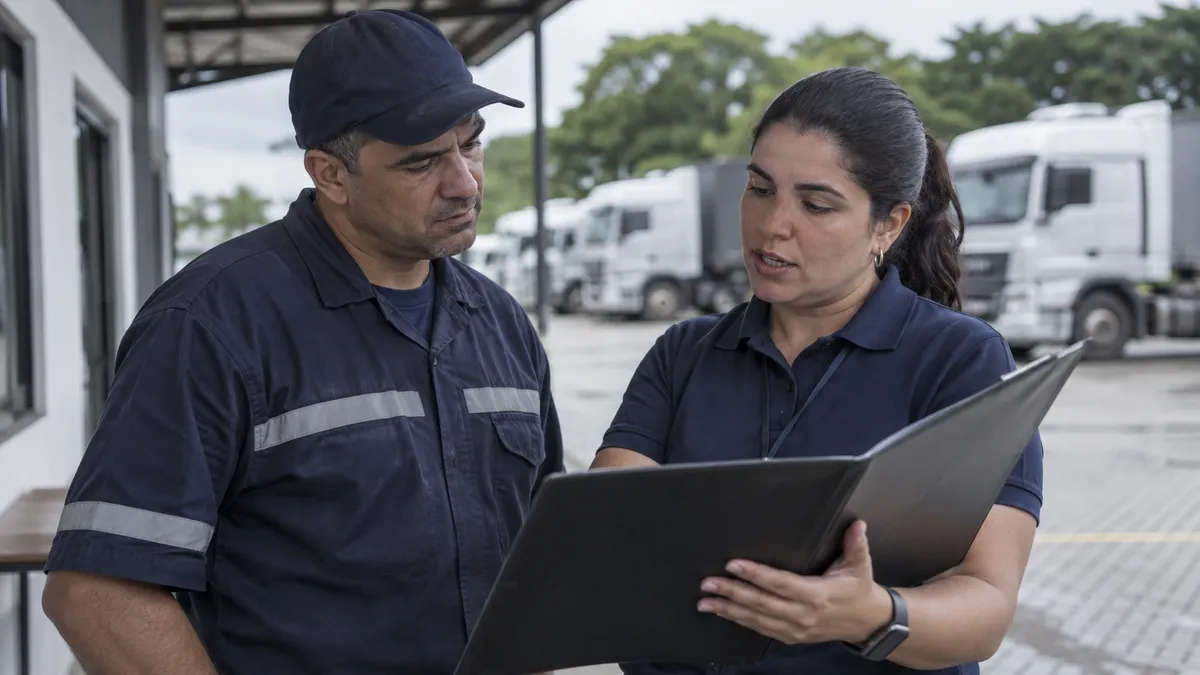
Regarding personal data in Brazil, the data protection authority, ANPD, sets out data subjects' rights, including being informed about processing, accessing their own personal data and requesting correction of inaccurate data. Data subjects can also request information about the purpose, method and duration of processing, as well as the controller's identity and contact details.
As administrative preparation, consider making clear where drivers can send questions and requests and who will respond internally. For the use of footage in training, it is worth discussing access beforehand and avoiding circulation of records as a way to publicly expose the person.
This guide does not define a retention period, legal basis or legal procedure applicable to your company. Take those decisions to the person responsible for data protection and the organization's legal advisers. Do not turn a supplier's camera recommendation into a legal obligation.
Do not turn an alert into an automatic decision
The training recommendation is to avoid deciding on the basis of an isolated event without putting it in context and listening to the driver. This differs from claiming that any alert, classification or performance analysis automatically falls within the legal definition of automated decision-making.
In Brazil, ANPD explains that when personal data is used in decisions made solely on the basis of automated processing that affect data subjects' interests, they are entitled to request a review of those decisions. The authority also states that they have the right to request an explanation of the criteria and procedures used for the automated decision.
Preserve these conditions when discussing the subject: do not present the right as though every feedback conversation were a solely automated decision. Nor should you use the description of these rights as a legal opinion on a specific fleet case.
As a next step, choose a situation to test the conversation guide: present what is available, listen to the driver, record limitations and agree on follow-up. Keep the focus on learning and review the process itself before extending its use to the team.
Frequently asked questions
How can telematics be used in driver training without creating a punitive culture?
How can driver training with telematics be organized?
How can drivers be given feedback using telematics data?
Can drivers access and correct their personal data?
When is there a right to request a review of an automated decision?
// newsletter
Fleet management content, straight to your inbox
Articles on tires, maintenance and fleet operations. No spam.
Read also
 Technology and logistics efficiency
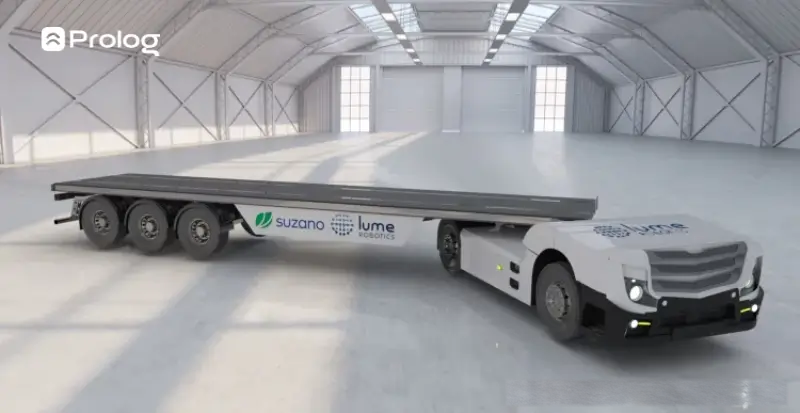
Autonomous trucks in transportation: tests and impacts
Understand autonomous trucks, the technologies involved, where operations are advancing, expected impacts and precautions for fleet management.
Image: Press handout/Lume Robotics
 Luiz Felipe
 Technology and logistics efficiency
