Tire relocation in Prolog: how it works
 Luiz Felipe 5 min read
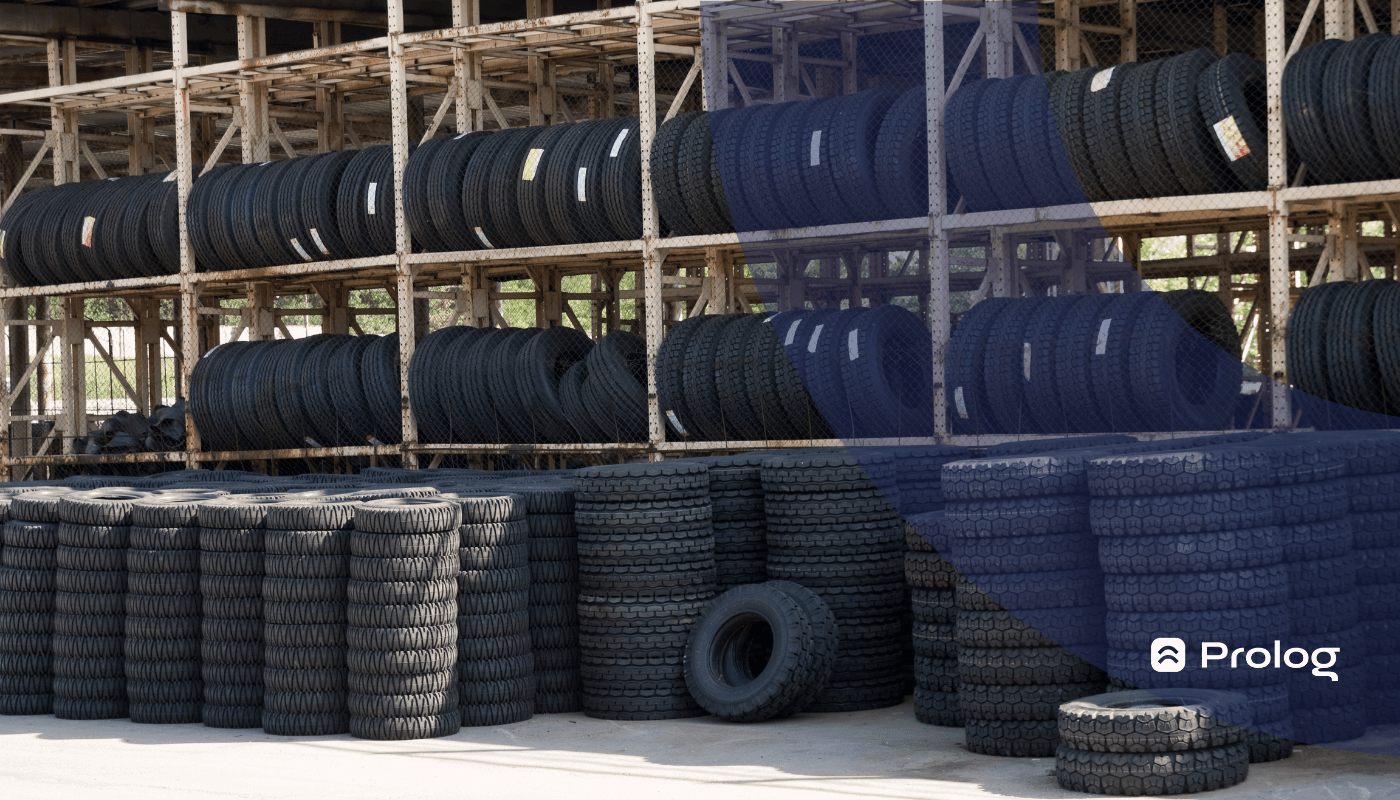
Tire relocation is the record of when a tire undergoes some action. It can be a service, such as retreading, repair or vulcanization, or simply a change in the position where it is installed on the vehicle.
This control can be done on a tire relocation form, in spreadsheets or in a digital system. In practice, the larger the operation, the more important it becomes to keep an organized history of each tire.
In Prolog, the relocation feature is part of individual tire control, covering information such as wear, retreading, life cycle and cost per tire.
With this history, management no longer depends only on the team's memory or on loose notes and starts consulting standardized records about where the tire is, which services it has gone through and how it has been used in the fleet.
Today, let's talk more about the feature:
“Tire relocation” in the Prolog system
The Prolog system feature (in Portuguese) is exactly what was described above:
The place where you control the relocation of a tire from inventory to a vehicle or vice versa.
In addition, you can record the update whenever tire rotation is carried out on the vehicle.
Relocation also helps keep the tire's record connected to the real operation. So, when a tire leaves inventory, returns to it or changes position on the vehicle, the record reflects that change and prevents the history from becoming incomplete.
Another characteristic of this feature is the possibility of adding the reason for the relocation, as well as classifying the relocation as “mandatory”, “optional” or “reported”.
The reasons are, for example: maintenance, repair, vulcanization, among others.
How does tire relocation work in the software?
The logic of relocation is simple: find the vehicle, check the positions on the diagram, enter what happened to each tire and save the record so that the history stays up to date.
In general terms, the step-by-step for using relocation in the system is:
- Access the web system with the user's credentials;
- Open the “Relocation” area;
- Choose the “Vehicle” option and find the desired vehicle, using the list, the search or the available filters;
- To add the tire to the vehicle, select the tire in inventory and link it to the desired position on the diagram;
- To remove the tire from the vehicle, remove the tire from the indicated position and send it to inventory or to the appropriate destination;
- After finishing the relocations, review the summary, check that all the information is correct and add notes when necessary;
- Enter the vehicle's current mileage and save to complete the relocation.
In the app, on the smartphone, the path follows the same operational logic. The main difference is the interaction with the screen: the user selects the tire and chooses the appropriate option for that relocation, without depending on the same gesture used on the computer.
This record is especially useful in rotation routines. Rotation done regularly helps tires wear more evenly and can extend their useful life, as long as it follows the recommendations that apply to the vehicle and the operation.
If you have any questions, schedule a demo with one of our specialists to understand even better how it works!
The importance of recording every relocation
Tire relocation control exists precisely because management needs to know what happened to each tire over time.
In tire management, it is not enough to identify each item and carry out their inspection. You need to know where each tire is, how long it has been installed on the vehicle, how many times it has gone through rotation, how many times it has been sent for maintenance and/or refurbishment, and so on.
This history is one of the foundations for collecting data about the tires and better understanding the operation's performance. Without this control, important decisions end up being made based on perception, not on recorded information.
“How long does a tire last in the fleet?”
“Which is the tire with the best cost-benefit ratio in the operation?”
“What is the average time a tire is used before being sent for retreading?”
“What is the ideal calibration for this tire model?”
“How long does a tire last until it reaches the maximum wear limit?”
Most fleet managers have these questions, but they cannot always reach an answer — or they go through a lot of work to get there. Even so, without a digital system, the probability of errors and of a lack of concrete information is higher.
Even using a tire relocation form, it does not compare with the practicality that software brings to centralize records, organize the history and make analyses and reports easier.
It is also worth remembering that relocating tires is not just noting a change of place. When removing tires from the vehicle, for example, correct storage becomes part of caring for the tire, just as identifying the previous position helps keep the history understandable.
Manage tires with the help of logistics technology
Although many trucking companies still have some resistance to implementing different software, technology can support a more organized routine that is less dependent on scattered manual controls.
When you study it and get to know its benefits, it becomes clear how useful it can be in making management more efficient, productive and economical, especially when records are made consistently by the team.
If you still want to better understand how a tire management solution can support fleet performance, check out our video on the subject:
(video in Portuguese)
Frequently asked questions
What is tire relocation?
How do you carry out tire relocation in the Prolog system?
Can tires be relocated using the mobile app?
What reasons can be recorded in a tire relocation?
Why record every tire relocation?
// newsletter
Fleet management content, straight to your inbox
Articles on tires, maintenance and fleet operations. No spam.