Prolog system: 9 tire management features
 Luiz Felipe 4 min read
The features of the Prolog App tire management system are designed to transform challenges in this area of the fleet into more efficient and reliable processes.
Designed to support and optimize operational efficiency and cost savings, the system can meet both specific and varied tire-related needs in transport operations.
In addition to simplifying fleet tire management, Prolog App organizes information recorded by the operation and provides data that makes it easier to make more informed and strategic decisions.
Explore all the features of the Prolog App tire management system:
- Tire, vehicle and employee records
- Tire relocation
- Inspection schedule
- Inspection and automated WO
- Tire maintenance control
- Tire replacement (and retreading) forecast
- Refurbished tire control by ID
- Dashboard and automated reports
- Calculation of each tire’s cost per kilometer (CPK)
Tire, vehicle and employee records
Prolog App centralizes records directly on the platform, providing a complete, organized view of all vehicles and their associated tires.
This feature allows you to record important data about drivers, vehicles and tires, including who is responsible for inspecting and using each license plate in the fleet.
By organizing this information into groups and operations, the system makes it easier to manage and administratively keep track of each component, without relying on separate spreadsheets or scattered records.
Tire relocation
With Prolog App’s tire relocation feature, you can easily manage tire positions and status.
This includes the ability to change tire positions on vehicles, as well as move them between use, inventory or retreading services as needed.
This tool is essential to avoid losing tires due to a lack of recorded location within the fleet and to maintain a clearer asset history throughout the operation.
Inspection schedule
The inspection schedule is among the Prolog App tire management system features that automate processes in your management routine.
In this case, it highlights tires that have gone the longest without inspections.
In other words: vehicles that have gone longer without inspection are automatically moved to the top of the list, while missed deadlines are visually highlighted.
This feature helps organize the team’s priorities and reduce the risk of any tire going without inspection, but carrying out the inspection still depends on the routine and the people responsible for the operation.
Inspection and automated WO
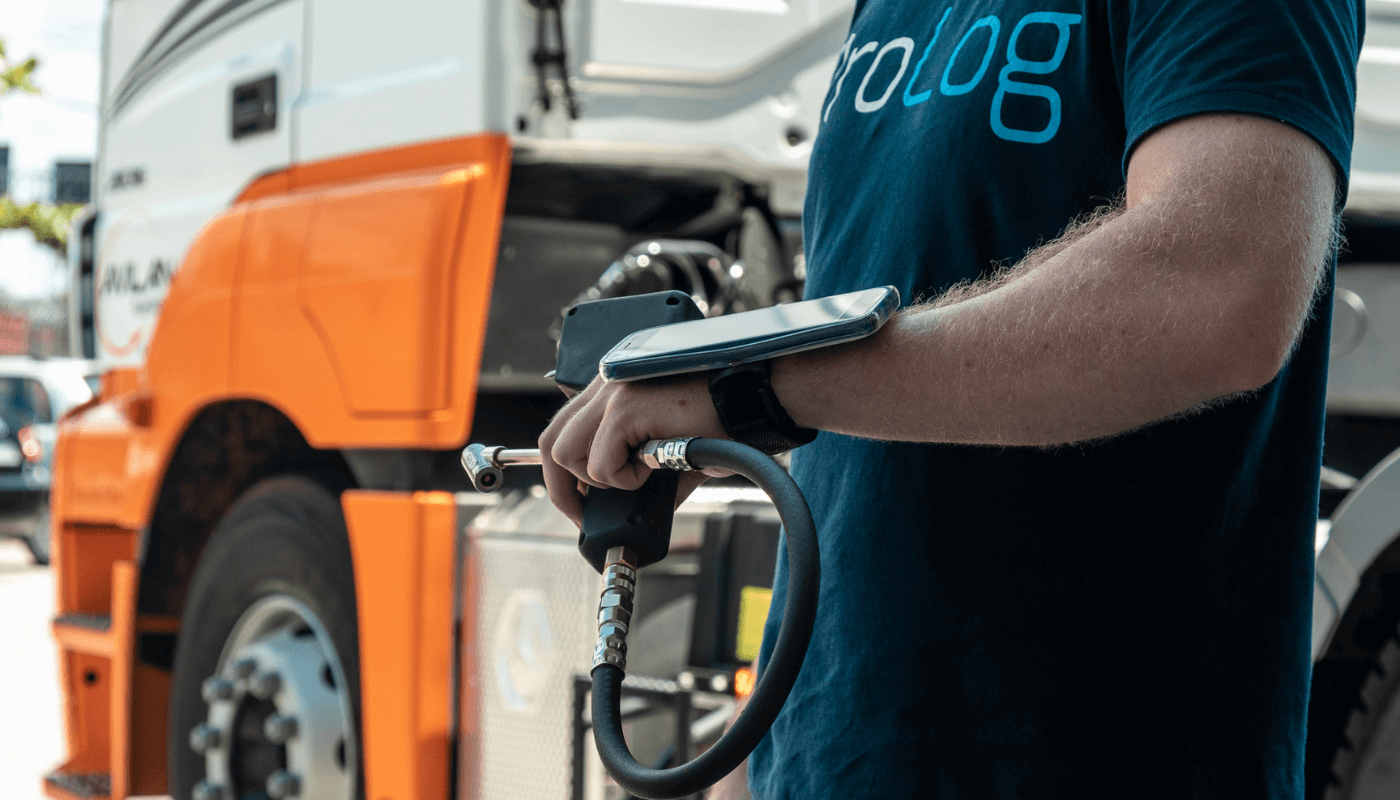
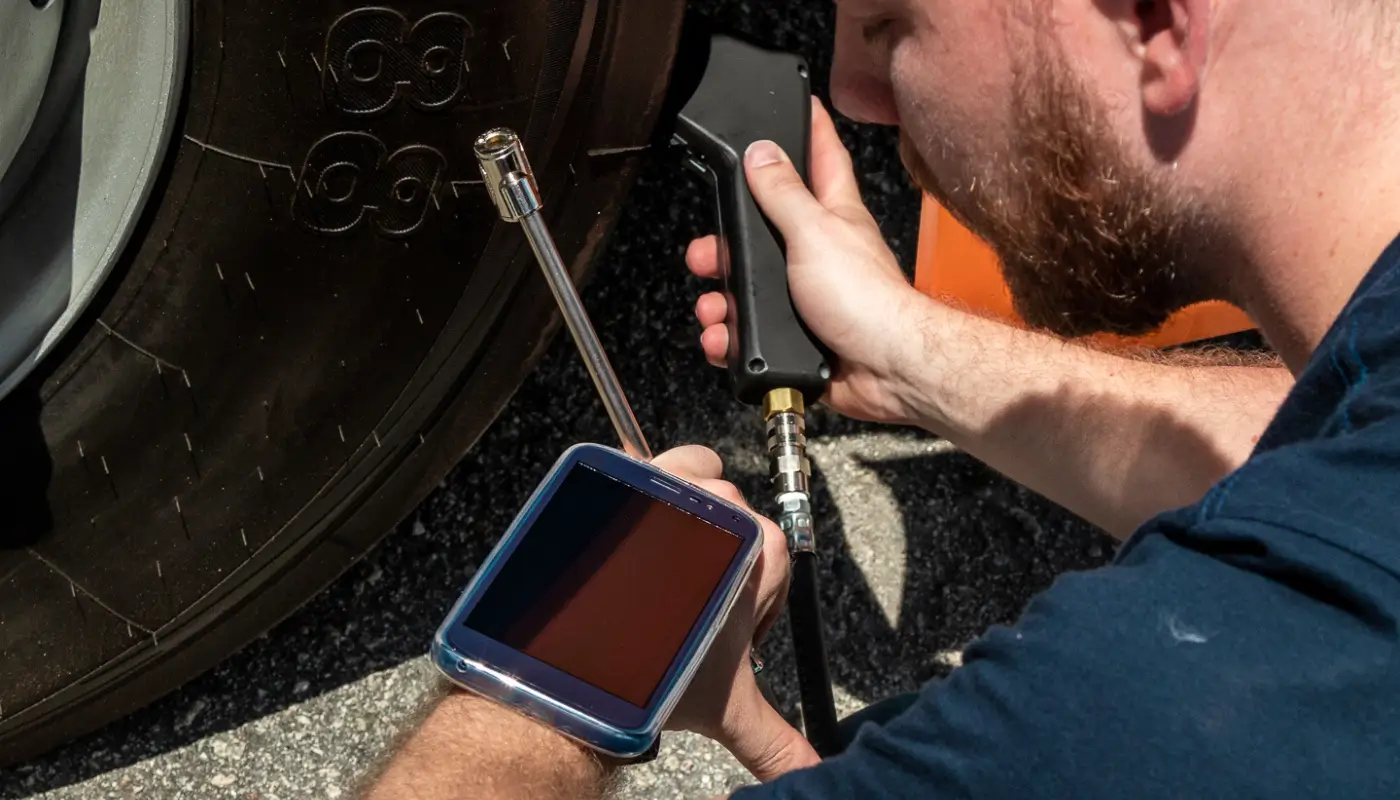
Prolog App integrates with its own tools for inspecting tire pressure and tread depth, developed by Prolog.
This tool, called the electronic tread probe, connects to the system via Bluetooth, speeding up data collection and transmission to the system during the inspection performed by the team.
After receiving the data, the system can automatically generate Work orders for noncompliant tires — such as those with pressure or wear levels outside an acceptable limit.
Tire maintenance control
Our system provides a detailed view of tires that require corrections and maintenance, allowing managers to keep track of wear levels, time spent on maintenance and mechanics’ productivity.
This results in more efficient control and better resource management, because corrections no longer depend solely on separate notes and instead become linked to the tires the operation is keeping track of.
Tire replacement (and retreading) forecast
One feature of the Prolog App tire management system is the ability to use data generated and interpreted within the system to calculate the tire replacement forecast.
This gives the tire manager a resource for planning new tire purchases and scheduling maintenance and retreading services for assets removed from each vehicle.
Refurbished tire control by ID
After the retreading process, each tire receives a new identification code. Although its hot-iron marking remains on record in the system, it is also important to identify the retreading code to keep track of tire data after refurbishment.
That is why each time a tire returns to operation, Prolog App starts using this code generated by the retreader as the tire’s “official” identification, to monitor and be able to analyze its data in its second, third and subsequent lives.
Dashboard and automated reports
Prolog App eliminates the need for manual spreadsheets, automatically updating reports and dashboards with data entered into the system.
You have access to information about the position, tread depth, pressure, CPK and average wear per kilometer of each tire.
The dashboard also provides a clear view of tire conditions, with alerts and tire performance indicators.
Calculation of each tire’s cost per kilometer (CPK)
One indispensable feature of the Prolog App tire management system is the calculation of each tire’s Cost per Kilometer (CPK), performed automatically.
This indicator is used to assess tires’ economic efficiency throughout their useful life, helping determine not only the direct cost associated with each tire, but also overall tire performance under different conditions and types of use.
With the Prolog system, all recorded data is used to make this calculation as accurate as possible, from registration and purchase records to the amount allocated to retreading services and mileage driven in each tire life.
This delivers maximum savings for your operations.
Want to discover even more features of the Prolog App tire management system? Schedule a free demonstration right now!
Frequently asked questions
What are the Prolog system’s tire management features?
How does tire inspection with automated WOs work in Prolog App?
How does Prolog App calculate each tire’s CPK?
How does the system keep track of retreaded tires?
What does Prolog App’s inspection schedule do?
// newsletter
Fleet management content, straight to your inbox
Articles on tires, maintenance and fleet operations. No spam.